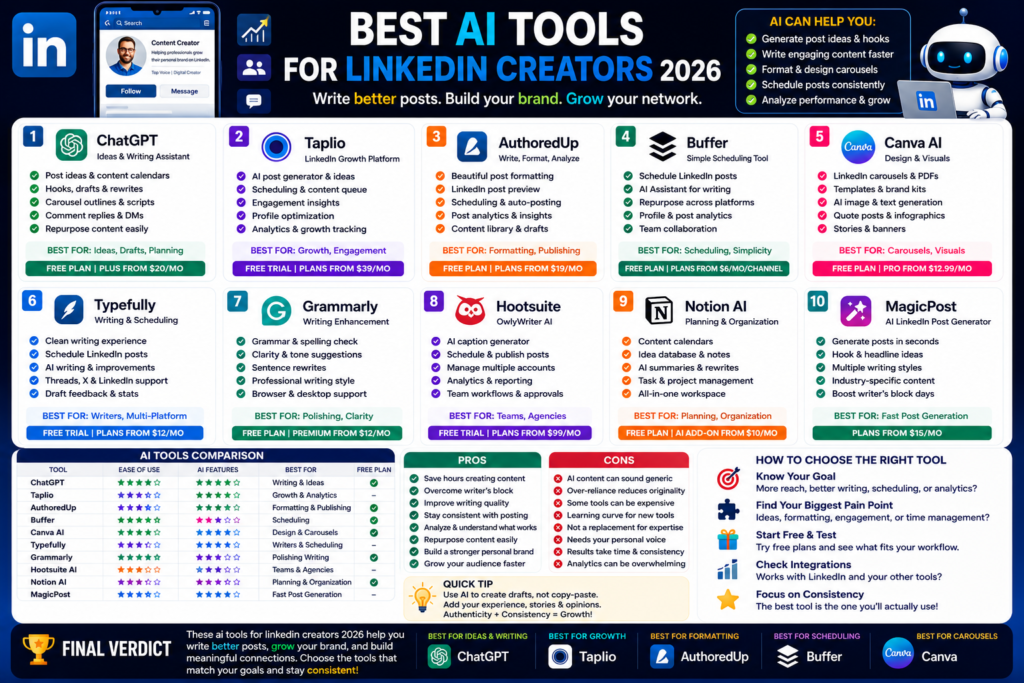
Best AI Tools for LinkedIn Creators 2026
Best AI Tools for LinkedIn Creators 2026: Write Better Posts, Grow Your Brand, and Save Time...
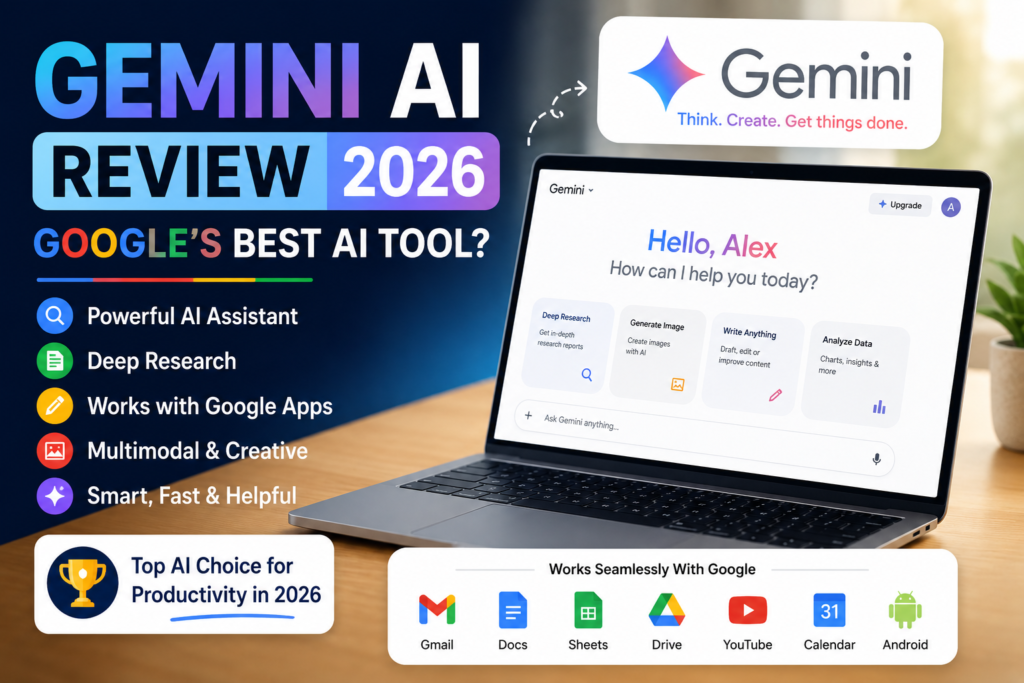
Quick Answer:
Gemini AI is worth using in 2026, especially if you already use Google Search, Gmail, Docs, Drive, YouTube, or Android. It is not perfect, but it is one of the strongest AI tools for research, productivity, writing, and Google Workspace tasks.
Gemini AI review 2026 is a useful topic because Google has been pushing Gemini into almost every part of its ecosystem.
And honestly, that makes Gemini hard to ignore.
Gemini is Google’s AI assistant. You can use it for writing, planning, brainstorming, research, coding, image work, summaries, and everyday productivity. Google describes Gemini as an AI assistant that helps with writing, planning, brainstorming, and more.
Here is the thing. Gemini is not just a chatbot anymore.
It connects with Google’s wider world. That includes Google Search, Gmail, Docs, Sheets, Drive, NotebookLM, Android, and other Google products depending on your plan and region. For people who already live inside Google apps, that is a big deal.
Gemini AI is made by Google.
More specifically, Gemini models come from Google and Google DeepMind. These models power many Google AI features across search, apps, productivity tools, and developer tools.
In simple words, Gemini is Google’s answer to ChatGPT, Claude, Perplexity, and Microsoft Copilot.
The good news is that Google already owns a huge ecosystem. That gives Gemini one big advantage. It can become useful inside tools people already use every day.
Gemini can help with a lot of normal tasks.
You can use it for:
In my experience, Gemini works best when you use it with Google tools. For example, if you use Gmail, Docs, Drive, and Search daily, Gemini feels more connected than many other AI chatbots.
But if you only need pure writing quality, Claude may feel better. If you need the best all-round AI chatbot, ChatGPT is still hard to beat.
Gemini has many features now. Some are simple. Some are advanced. Some are better for casual users, while others are clearly made for power users.
Let me explain the ones that matter most.
This is one of Gemini’s biggest strengths.
Google AI plans include Gemini in Gmail, Docs, Sheets, Vids, and more, depending on the plan and availability. Google says Gemini in these apps can help users proofread in Gmail, work smarter in Docs and Sheets, and access AI features directly inside Google products.
That sounds simple, but it is powerful.
Instead of opening a separate AI tool, you can use AI where your work already happens.
For example, Gemini can help you:
Honestly, this is where Gemini makes the most sense.
If you already use Google Workspace, Gemini becomes less like a separate AI chatbot and more like a built-in assistant.
Gemini Deep Research is one of the most useful features for serious research.
Google says Deep Research can turn your prompt into a research plan, search the web, browse deeply, and synthesize results into comprehensive answers. It can also use Workspace content like Gmail, Drive, and Chat if you choose to connect them.
That makes it useful for:
The truth is, this is where Gemini feels very strong.
It is not just giving you a quick answer. It can help build a deeper report.
Still, I would always check important details before publishing or making business decisions. AI research can save time, but it should not replace your own review.
Gemini Canvas is another interesting feature.
Google describes Canvas as a space where you can turn ideas into apps, games, infographics, web pages, quizzes, and other interactive outputs. It can also help with drafting, editing, coding projects, and turning Deep Research reports into more visual or interactive content.
This is useful if you are a student, blogger, teacher, creator, or developer.
For example, you can use Canvas to:
I think Canvas is one of those features that casual users may ignore at first. But once you understand it, it can become very useful.
Gemini is also strong with multimodal tasks.
That means it can work with different types of content, not just text. Google DeepMind says Gemini 3.1 Pro supports advanced multimodal understanding across text, images, video, audio, and code.
This matters because real work is rarely only text.
You may need to understand an image, summarize a file, review code, analyze a video idea, or create content from mixed inputs.
Gemini is clearly moving in that direction.
Pricing can be a little confusing because Google has different AI plans, regions, and product names.
So let’s keep it simple.
Gemini has a free experience that lets users try the basic AI assistant.
The free version is good for beginners. You can ask questions, write simple content, brainstorm ideas, and test whether Gemini fits your workflow.
But like most free AI tools, it has limits.
You may not get the highest model access, highest usage limits, or all advanced features. Google’s help page says users can upgrade to Google AI plans for expanded access to features and models in Gemini Apps.
So if you only use AI once in a while, free is fine.
But if you use Gemini every day, you may want a paid plan.
Google AI Pro is the paid plan most regular users will look at.
Google says AI Pro includes higher access to Gemini models and Deep Research, Gemini in Gmail, Docs, and more, 5 TB of storage, NotebookLM benefits, and higher limits in developer tools like Gemini CLI and Gemini Code Assist.
For USA users, Google’s search result for its official AI plans page lists Google AI Pro at $19.99/month.
I think Google AI Pro is worth considering if you already pay for Google storage or use Google apps daily.
That 5 TB storage part is important. ChatGPT Plus gives you AI features. Claude Pro gives you AI features. But Google AI Pro also bundles cloud storage and Google app integration.
That makes the value different.
Google AI Ultra is the high-end plan.
Google says AI Ultra gives the highest access to Google AI features, 30 TB of storage, Gemini app with highest limits, access to Deep Think and Gemini Agent in supported cases, NotebookLM benefits, YouTube Premium availability in some countries, and other premium benefits.
Google’s official AI plans result lists AI Ultra at $249.99/month for the USA.
Honestly, most normal users do not need Ultra.
It is more for heavy AI users, creators, developers, researchers, and people who need the highest limits.
For bloggers, students, freelancers, and small business owners, free or Pro makes more sense.
Now let’s talk about the real question.
Is Gemini better than ChatGPT?
The honest answer is: sometimes.
ChatGPT still feels like the stronger all-round AI chatbot for many users.
It is very good for writing, brainstorming, coding help, custom workflows, image generation, and general productivity.
Gemini, however, wins when your work is already inside Google.
If you use Gmail, Docs, Drive, Sheets, Android, and Google Search every day, Gemini can feel more practical.
So here is my simple opinion.
Use ChatGPT if you want the best general AI assistant.
Use Gemini if you want an AI tool connected to Google apps.
Claude is better for natural writing in many cases.
It often sounds calmer, cleaner, and more human. I like Claude for long-form writing, document editing, and thoughtful explanations.
Gemini is better when you want Google Search support, Workspace integration, and Google ecosystem features.
So if you are a writer, try Claude.
If you are a Google user, try Gemini.
Perplexity is still one of the best AI tools for source-based research.
It feels like an AI search engine. It is quick, clear, and citation-focused.
Gemini Deep Research is more advanced for deeper reports, especially when you want to combine web research with your own Google Workspace content.
So the choice depends on your task.
Use Perplexity for quick research.
Use Gemini for deeper Google-powered research and productivity.
| Tool | Best For | Free Plan | Paid Plan Value | Main Weakness |
|---|---|---|---|---|
| Gemini AI | Google users, research, productivity | Yes | Strong if you use Google apps | Writing can feel less natural than Claude |
| ChatGPT | All-round AI tasks | Yes | Very strong | Can sound generic without good prompts |
| Claude AI | Writing, documents, thoughtful answers | Yes | Strong | Not as connected to Google apps |
| Perplexity AI | Fast research with sources | Yes | Good | Less useful for creative writing |
| Microsoft Copilot | Microsoft Office users | Yes | Good for Office users | Best inside Microsoft ecosystem |
Gemini’s biggest advantage is not that it beats every tool at everything.
It does not.
Its biggest advantage is that it fits inside Google’s world.
No Gemini AI review 2026 would be complete without the good and bad sides.
Gemini has a lot of strengths.
In my experience, Gemini feels most valuable when it saves you small chunks of time across the day.
A better email here. A quick summary there. A research plan. A spreadsheet explanation.
That adds up.
Gemini also has weaknesses.
Here is the thing. Gemini is not bad because it has weaknesses.
Every AI tool has weaknesses.
The smart move is to use Gemini for the jobs where it actually makes sense.
Gemini is not for everyone, but it is a very good fit for certain users.
If you use Gmail, Docs, Sheets, Drive, Calendar, and Meet, Gemini is an easy recommendation.
It can help you work faster inside tools you already know.
This is probably Gemini’s strongest audience.
For business users, freelancers, agencies, and remote workers, that connection can save time.
Gemini is also useful for students and researchers.
Deep Research, summaries, study planning, quizzes, and document understanding can make learning easier.
Google says Deep Research can break complex research tasks into a plan, search the web, and synthesize findings into comprehensive results.
That is useful for essays, reports, topic research, and study notes.
Just don’t copy everything blindly. Use it to understand better.
Bloggers can use Gemini for topic ideas, outlines, keyword research support, summaries, FAQs, and article drafts.
Creators can use it for video ideas, content calendars, captions, and research.
I still prefer ChatGPT or Claude for polished writing in many cases.
But Gemini is helpful when you need research plus Google context.
Developers should also keep an eye on Gemini.
Google AI Pro includes higher limits in tools like AI Studio, Gemini CLI, Gemini Code Assist, and Google’s agentic development platform Antigravity.
Gemini 3.1 Pro is also described by Google DeepMind as strong for coding, tool use, and agentic coding.
That makes Gemini useful for code explanation, prototyping, debugging help, and technical planning.
Yes, Gemini AI is worth it in 2026, especially for people who use Google apps every day. It is useful for writing, research, summaries, planning, coding help, and productivity.
Yes, Gemini has a free version for basic use. Users can upgrade to Google AI plans for expanded access to Gemini models and features.
Gemini can be used for free, while Google AI Pro is listed at $19.99/month in the USA. Google AI Ultra is listed at $249.99/month for users who need the highest access and limits.
Gemini is better if you live inside Google apps and want AI connected to Gmail, Docs, Drive, Search, and Android. ChatGPT is still better as a general all-round AI assistant for many users.
Yes, Gemini can write blog posts, outlines, titles, meta descriptions, FAQs, and summaries. But you should still edit the content, add personal experience, check facts, and optimize it properly before publishing.
So, what is my honest take after this Gemini AI review 2026?
Gemini AI is worth trying.
It may not be the best AI writing tool for everyone. It may not replace ChatGPT for every task. But if you already use Google products, Gemini is one of the most practical AI tools you can use in 2026.
The free version is good for testing. Google AI Pro makes sense if you want stronger access, Google app integration, and cloud storage in one plan. Ultra is powerful, but most everyday users will not need it.
My simple advice is this.
Try Gemini for real tasks. Use it for Gmail, Docs, research, summaries, planning, and Google Search-style questions. Then compare it with ChatGPT and Claude.
That is the best way to know which AI assistant fits your workflow.
And if you want more honest AI tool reviews like this Gemini AI review 2026, keep reading AI Daily Tool for simple comparisons, beginner guides, and practical AI recommendations.
Best AI Tools for LinkedIn Creators 2026: Write Better Posts, Grow Your Brand, and Save Time...
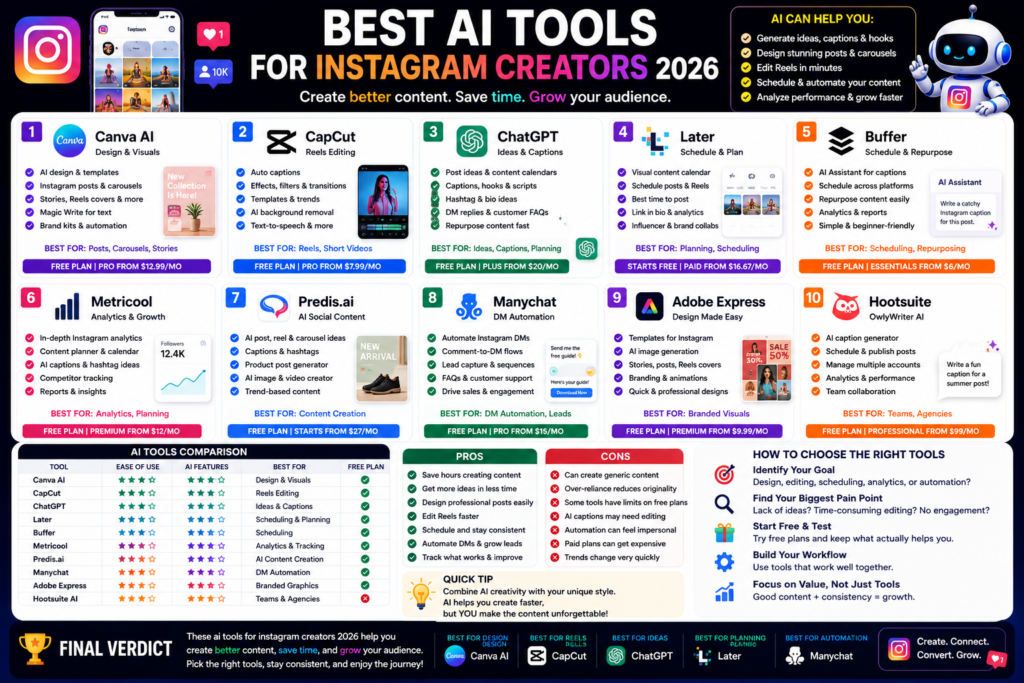
Best AI Tools for Instagram Creators 2026: Create Better Posts, Reels, and Carousels Faster Quick Answer:...
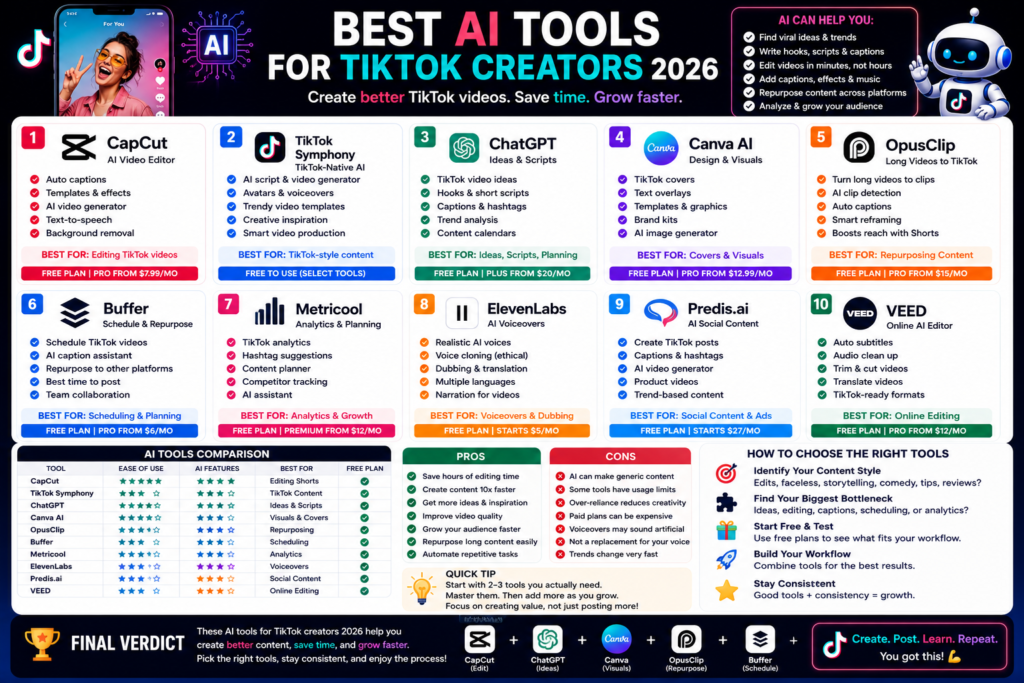
Best AI Tools for TikTok Creators 2026: Create Faster, Edit Smarter, and Grow Your Audience Quick...
Leave a Comment