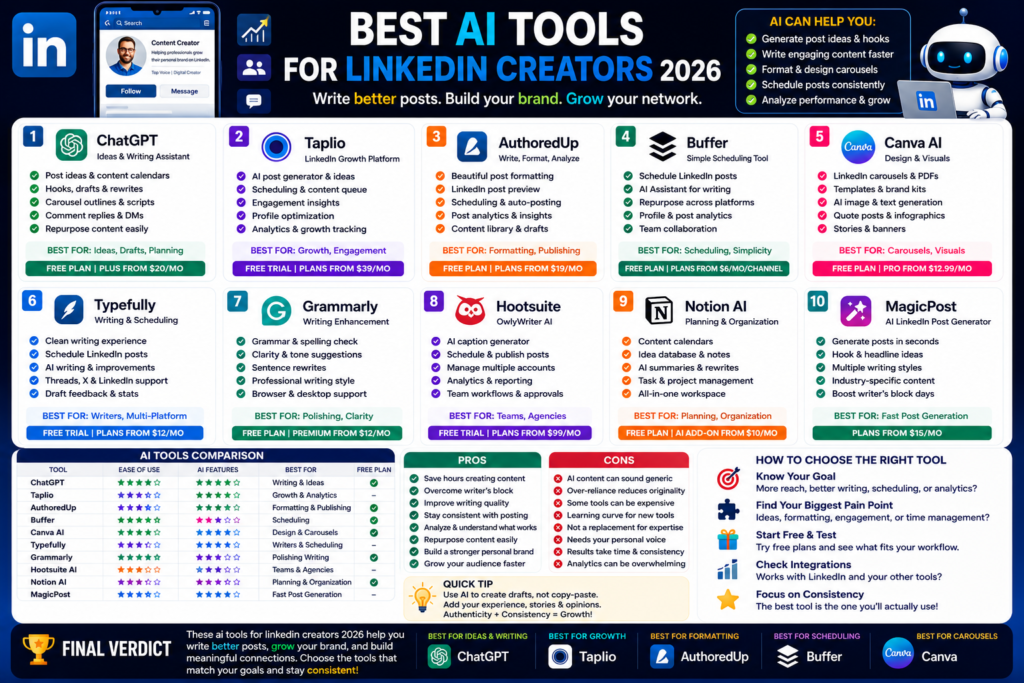
Best AI Tools for LinkedIn Creators 2026
Best AI Tools for LinkedIn Creators 2026: Write Better Posts, Grow Your Brand, and Save Time...
Quick Answer:
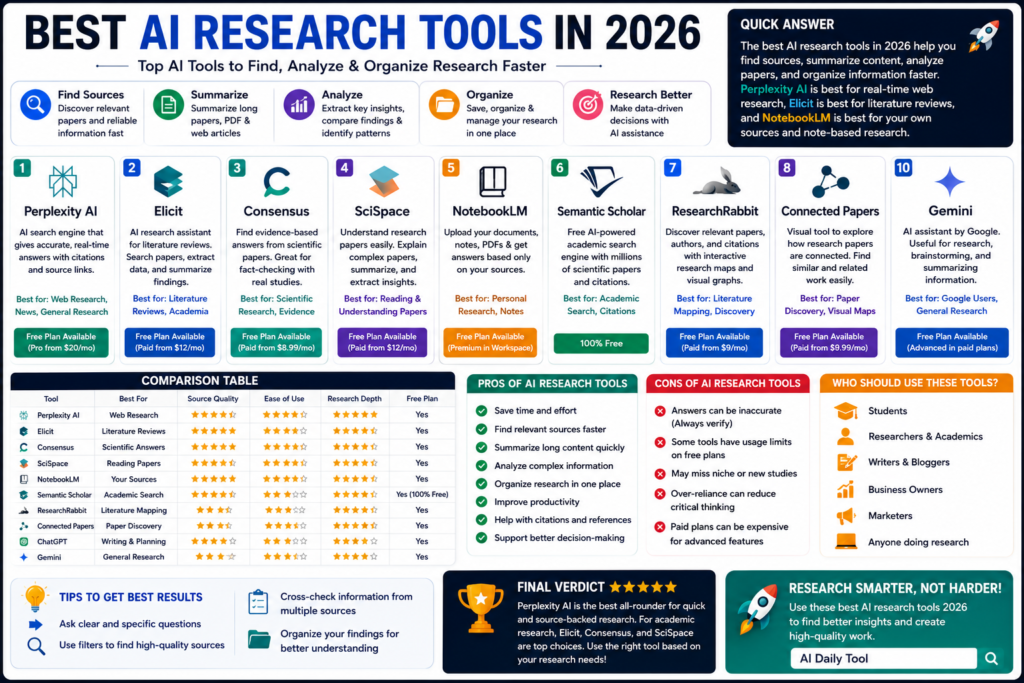
The best AI research tools 2026 are Perplexity AI, Elicit, Consensus, SciSpace, NotebookLM, Semantic Scholar, ResearchRabbit, Connected Papers, ChatGPT, and Gemini. Perplexity is best for source-backed web research, Elicit is best for literature reviews, and NotebookLM is best for working with your own notes and documents.
The best AI research tools 2026 can save hours of work.
And honestly, research takes a lot of time.
You search Google. You open ten tabs. You read papers. You check sources. You copy notes. You compare opinions. Then you still have to organize everything into something useful.
AI research tools make that process easier.
They can help you find sources, summarize papers, compare studies, create research reports, analyze PDFs, map citations, and understand complex topics faster.
Here is the thing. AI should not replace your own thinking. It should help you research better.
A good AI research assistant gives you a strong starting point. It helps you ask better questions. It shows sources. It saves time. But you still need to verify important facts.
That matters even more for academic research, medical topics, legal work, finance, science, and business decisions.
In this guide, I’ll keep things practical. No hype. Just the AI tools for research that are actually worth testing in 2026.
Not every AI tool is good for research.
Some tools are great for writing but weak for sources. Some are good for academic papers but not useful for market research. Some are good for quick answers but not deep analysis.
The first thing that matters is source quality.
A good research tool should help you trace where the answer came from.
That means citations, links, paper details, publication data, or source documents.
Perplexity, for example, describes itself as an AI-powered search engine that gives conversational answers backed by verifiable sources. It also says responses include citations and links to original sources.
That is exactly what researchers need.
Some questions are simple.
Others need real depth.
If you are writing a blog post, you may only need a quick overview. If you are writing a thesis, medical review, or scientific report, you need deeper research.
That is where tools like Elicit, Consensus, SciSpace, Semantic Scholar, ResearchRabbit, and Connected Papers become useful.
They help with papers, literature reviews, citations, and academic discovery.
A research tool should not feel like a complicated database from 2007.
The best tools let you type normal questions, upload files, organize notes, and quickly understand results.
In my experience, the best workflow is simple:
AI helps with the middle part. You still own the final judgment.
Here are the best AI tools for research right now.
Perplexity AI is my top pick for general research.
It works like an AI search engine. You ask a question, and it gives a direct answer with sources.
That makes it useful for:
Perplexity Pro gives access to latest AI models, extended Deep Research, increased file uploads, and deeper sourcing.
Honestly, Perplexity is one of the easiest tools to recommend because it feels practical right away.
It is not the best creative writer. ChatGPT and Claude are better for writing.
But for research with sources, Perplexity is excellent.
Elicit is one of the best AI literature review tools.
It is made for scientific and academic research. Elicit says it helps users search, summarize, extract data from, and chat with over 125 million papers. It is used by researchers in academia and industry.
That makes it useful for students, PhD researchers, academics, healthcare researchers, and science teams.
You can use Elicit for:
Elicit’s pricing page lists a free Basic plan for casual exploration, including limited Research Agent access, automated reports, unlimited search across millions of papers, summaries, chat with papers, source viewing, and Zotero import.
In my opinion, Elicit is best when you need evidence from papers, not random web pages.
Consensus is another strong academic AI tool.
It describes itself as an AI academic search engine for peer-reviewed literature and a research OS for finding, organizing, and analyzing science faster.
Consensus is useful when you want research-backed answers from scientific papers.
For example, you can ask:
“Does creatine improve muscle performance?”
Or:
“Is mindfulness effective for anxiety?”
Consensus can help summarize what the research says.
Its university access guide says Consensus searches over 200 million academic papers and uses language models to synthesize peer-reviewed literature with citations.
This is great for students, writers, healthcare researchers, and anyone who wants evidence-based answers.
SciSpace is useful if academic papers feel hard to read.
And let’s be honest, many papers are hard to read.
SciSpace describes itself as an AI research assistant for academics. It says users can run systematic literature reviews on 280M+ papers and write papers with cited sources.
That makes it helpful for:
SciSpace is especially useful when you already have papers and need help understanding them.
If you are a student reading dense academic PDFs, this tool can save time.
NotebookLM is one of the best tools for working with your own documents.
Google says NotebookLM gives users direct control over sources. You provide the documents and information it uses, so responses are grounded in your own knowledge base.
That is a big deal.
Instead of asking a general chatbot and hoping it knows the answer, you can upload your own PDFs, notes, research papers, transcripts, or reports.
Then NotebookLM can answer based on those sources.
Google Workspace also says NotebookLM uses uploaded sources to answer questions and fulfill requests, while providing citations for verification.
Use NotebookLM for:
In my experience, NotebookLM is best when accuracy depends on your own files.
Semantic Scholar is one of the best free tools for academic discovery.
It says it is a free, AI-powered research tool for scientific literature, based at Ai2.
Semantic Scholar is useful for finding papers, authors, citations, and related research.
It is not as chatty as Perplexity. It is not as guided as Elicit. But it is powerful for academic search.
Use it for:
Its FAQ says Semantic Scholar helps researchers discover and understand scientific literature most relevant to their work.
If you want a free research database with AI-powered search, Semantic Scholar is worth using.
ResearchRabbit is great for discovering related papers.
It helps you build citation maps, explore paper connections, and track research trends.
ResearchRabbit says it helps users save hours on literature reviews by finding related papers, building citation maps, and tracking research trends with AI.
That makes it useful when you already know one or two good papers and want to explore the field around them.
Use ResearchRabbit for:
Honestly, ResearchRabbit is less about “give me an answer” and more about “show me the research landscape.”
That is very useful for serious research.
Connected Papers is another strong visual research tool.
It describes itself as a visual tool to help researchers and applied scientists find academic papers relevant to their field.
The idea is simple.
You start with one paper. Connected Papers builds a graph of related papers. Then you can explore the field visually.
This is helpful when you want to understand how studies connect.
Use Connected Papers for:
If you are visual, you may like Connected Papers more than normal academic search.
ChatGPT is not always the best source-finding tool.
But it is excellent for research planning.
You can use it to create research questions, organize notes, build outlines, compare arguments, summarize information, and turn messy research into clear writing.
Use ChatGPT for:
The key is to use it carefully.
If you need facts, ask for sources or verify with Perplexity, Semantic Scholar, Elicit, or official websites.
I think ChatGPT works best after you collect sources.
Use research tools to gather evidence. Use ChatGPT to organize and write.
Gemini is useful if your research workflow already lives inside Google.
It works well with Google Search-style tasks, Google Docs, Gmail, Drive, and other Google tools depending on your plan and setup.
Gemini is helpful for:
Gemini is not always my first choice for academic literature reviews. Elicit, Consensus, and SciSpace are stronger there.
But if you use Google tools every day, Gemini can fit naturally into your research workflow.
| Tool | Best For | Free Plan | Best User |
|---|---|---|---|
| Perplexity AI | Source-backed web research | Yes | Bloggers, students, professionals |
| Elicit | Literature reviews | Yes | Researchers and academics |
| Consensus | Scientific answers | Yes | Students and evidence-based writers |
| SciSpace | Reading papers | Yes / paid options | Academics and paper readers |
| NotebookLM | Your own sources | Yes | Students, teams, researchers |
| Semantic Scholar | Academic search | Yes | Researchers and students |
| ResearchRabbit | Literature mapping | Yes / varies | Academic researchers |
| Connected Papers | Visual paper discovery | Yes / limited | Visual researchers |
| ChatGPT | Research planning and writing | Yes | Writers, students, marketers |
| Gemini | Google research workflow | Yes | Google Workspace users |
AI research tools can save serious time.
They help you:
In my experience, the biggest benefit is speed.
You can go from “I know nothing about this topic” to “I understand the main arguments” much faster.
AI research tools also have problems.
They can:
Here is the thing.
AI can help you research faster, but it cannot replace careful reading.
For serious work, always check the original paper or source.
Students should use AI research tools to understand topics, find sources, summarize readings, and prepare essays.
Best tools for students:
Use AI to learn faster, not to copy.
Academic researchers need stronger tools.
Best tools for researchers:
These tools help with literature reviews, source discovery, citation maps, and paper summaries.
Bloggers need research that is quick, accurate, and easy to turn into content.
Best tools for bloggers:
For example, use Perplexity to gather sources. Use ChatGPT to build the article outline. Use NotebookLM if you have your own files.
Business research is different from academic research.
You may need competitor research, industry trends, product comparisons, customer pain points, or market reports.
Best tools:
For business, I think Perplexity is the fastest starting point.
Perplexity AI is the best overall AI research tool in 2026 for most people because it gives fast answers with sources. For academic research, Elicit, Consensus, SciSpace, and Semantic Scholar are stronger.
Elicit is one of the best AI tools for literature reviews because it helps search, summarize, extract data from, and chat with millions of academic papers.
Semantic Scholar is one of the best free academic search tools. Perplexity, NotebookLM, Consensus, ChatGPT, and Gemini also offer useful free access depending on your research needs.
No, not completely. AI research tools can speed up discovery, summaries, and organization. But Google Scholar, Semantic Scholar, publisher websites, and original sources are still important for serious verification.
They can be helpful, but they are not perfect. Always check important claims, read original sources, and confirm citations before using information in academic, medical, legal, or business work.
The best AI research tools 2026 can make research faster, clearer, and less stressful.
But the right tool depends on your work.
Use Perplexity AI for source-backed web research.
Use Elicit for literature reviews.
Use Consensus for scientific answers.
Use SciSpace to understand research papers.
Use NotebookLM when you want answers based on your own files.
Use Semantic Scholar for free academic search.
Use ResearchRabbit and Connected Papers for literature mapping.
Use ChatGPT for planning and writing.
Use Gemini if your work lives inside Google.
My honest advice is simple. Don’t use ten tools every day. Pick two or three.
For most people, the best setup is Perplexity for research, NotebookLM for your own sources, and ChatGPT or Claude for writing.
That gives you speed, sources, and clean output.
For more practical guides like this best ai research tools 2026 review, keep reading AI Daily Tool for honest AI tool comparisons, beginner guides, and real-world recommendations.
Best AI Tools for LinkedIn Creators 2026: Write Better Posts, Grow Your Brand, and Save Time...
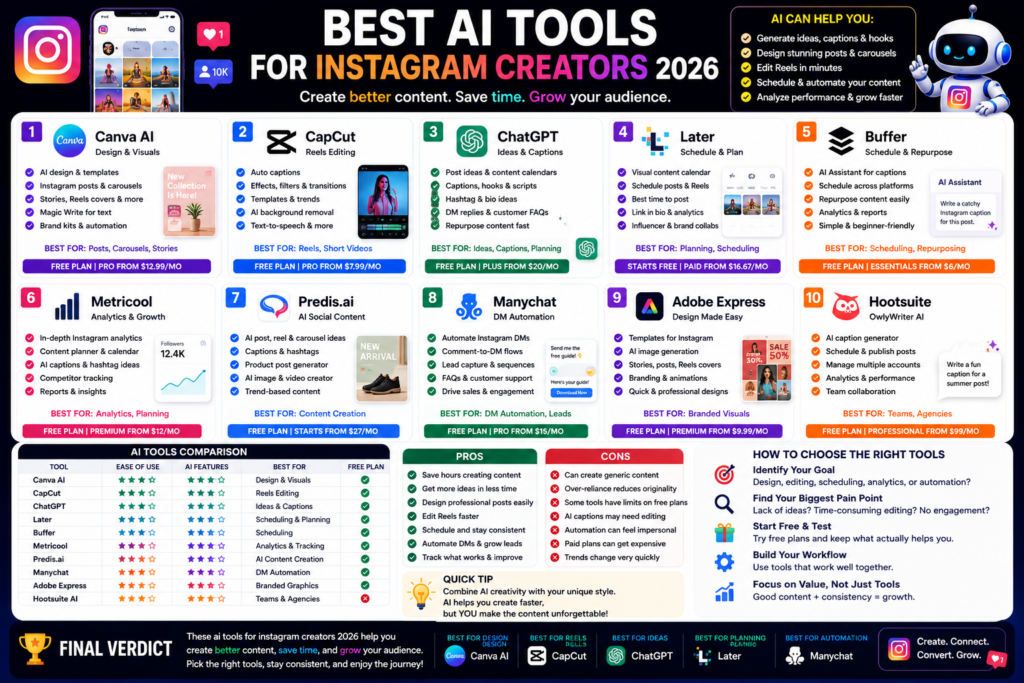
Best AI Tools for Instagram Creators 2026: Create Better Posts, Reels, and Carousels Faster Quick Answer:...
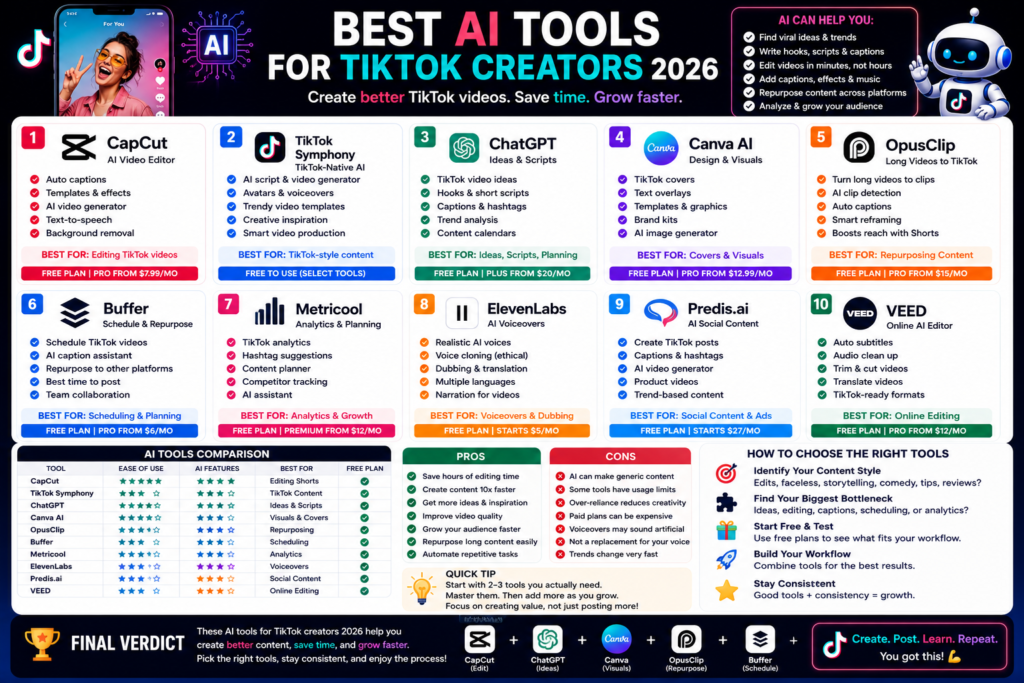
Best AI Tools for TikTok Creators 2026: Create Faster, Edit Smarter, and Grow Your Audience Quick...
Leave a Comment